Change your Email Address
It's important to keep your registered email address up to date for email confirmation and verification.
If your email address changes and you still have access to your current registered email, you can follow the step-by-step instructions in this article.
💡 If you no longer have access to your current email address, you can update it through another 2FA verification method.
How to change your email address
App
- Select the
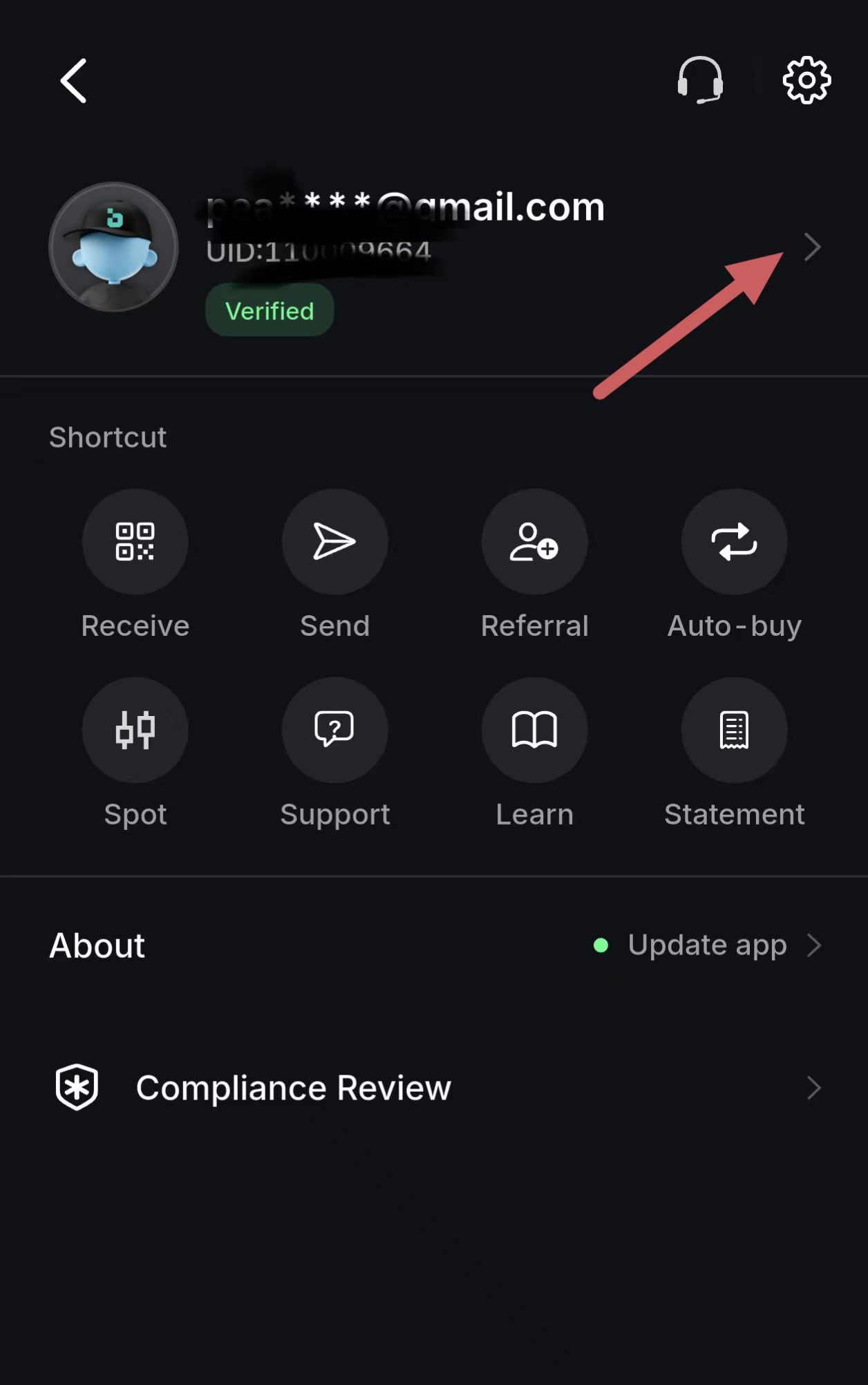
 in the top right to open the Personal center.
 - Select your email address to open the Account information page.
- Select Security.
- Select Email.
- Select the Email on the right
 .
. - Enter your current Email Address, and click Send verification code.
- Enter the one-time passcode sent to the current Email Address on your account and select Next Step.
- Enter the new Email Address and select Next Step.
- Enter the one-time passcode sent to the new Email Address and select Verify.
💡 Note: After changing your Email Address, you will not be able to withdraw currencies within 24 hours.
What if you don't have access to your registered Email?
If you’ve lost access to your device or can’t log in with Email Address, Please refer to the What to Do If You Cannot Access to Your Current Security Verification section to change your Email Address.